
CS Insights: What to Expect in Your Meta Audit
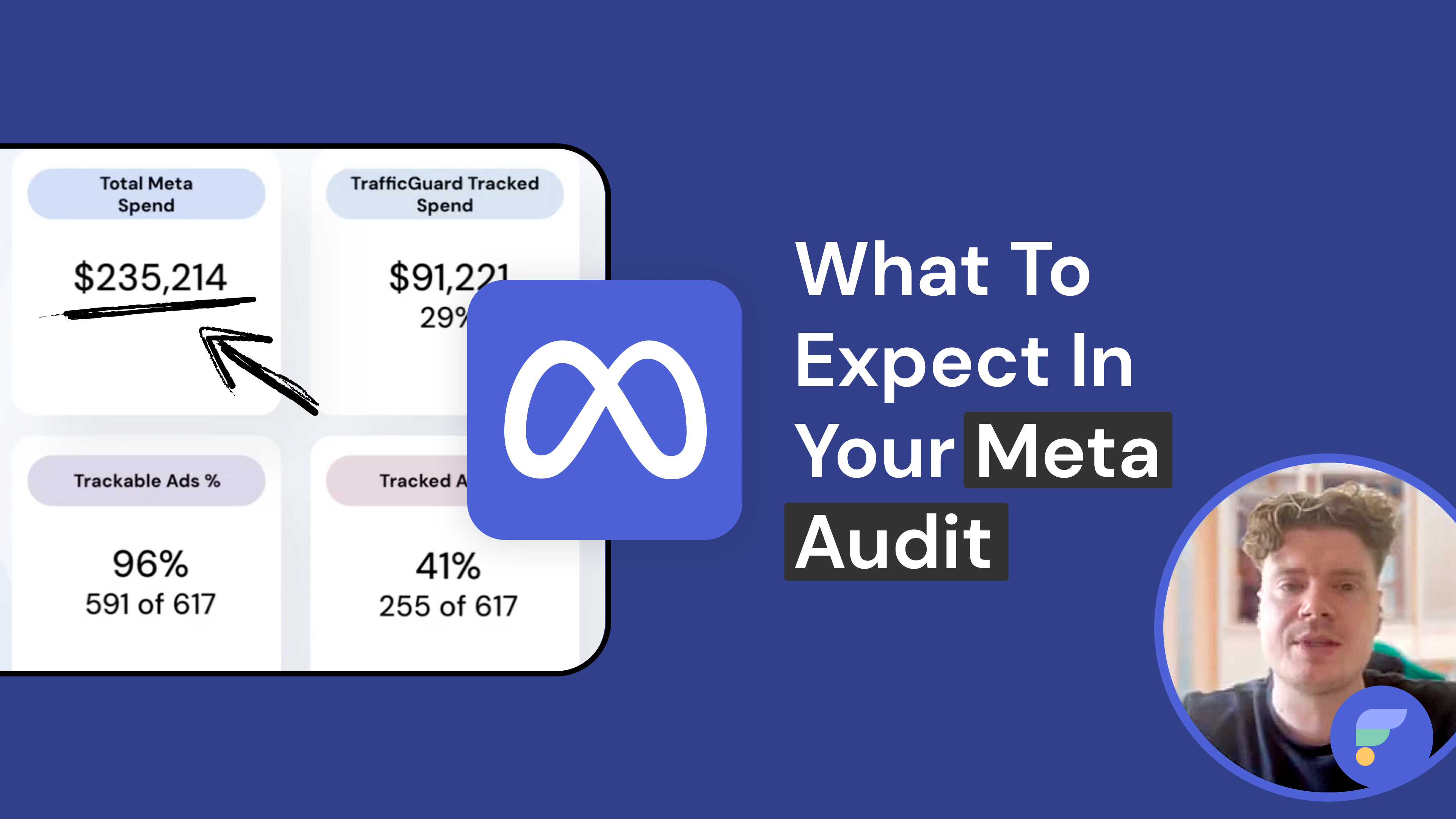
What a TrafficGuard Meta Ads Audit Actually Shows You
Most Meta advertisers assume their campaign traffic is clean. Most are wrong.
Without active click fraud protection, every fraudulent click sends bad signals into Meta's optimisation engine, training it to find more users who will never convert. The budget loss is visible. The data damage is not.
In this CS Insights session, we walk through how TrafficGuard analyses Meta campaign traffic and surfaces the patterns quietly eroding your performance.
What Meta's Native Reporting Leaves Out
Meta gives you clicks, impressions, and spend. It does not tell you how much of that activity was genuine. Bot networks, click farms, and returning users all register as normal engagement, and a meaningful share bypasses Meta's filters entirely. Your algorithm learns from the wrong signals, and your budget funds activity that will never convert.
What Invalid Meta Traffic Actually Looks Like in Practice
Invalid activity falls into three categories, each surfaced inside your own campaign data.
- Non-incremental engagement. Returning users clicking the same ad repeatedly without converting, inflating engagement metrics without delivering any real value.
- Bots and automated sources. Automated traffic mimicking legitimate clicks, invisible inside Meta's native reporting but quietly draining your budget.
- Non-genuine users. Real devices, abnormal behaviour. Repeated engagement across multiple ads with no conversions and no meaningful site interaction.
Why Your Meta Campaigns Underperform Despite Strong Metrics
- Invalid traffic corrupts more than your budget. It trains Meta's algorithm on the wrong engagement signals, compounding inefficiency over time.
- Meta's reporting will not flag this for you. Without third-party detection, it is invisible.
- Prevention Mode delivers measurable recovery. Once activated, campaigns stabilise as Meta's algorithm relearns from clean engagement data, driving improvements in CPC and remarketing accuracy.
What Happens After You Identify Invalid Traffic on Meta
Once the patterns are visible, the next step is straightforward. Detection Mode shows you what is affecting performance. Prevention Mode stops it. Either way, you leave with a clearer picture of what your Meta budget is actually doing.
If you have ever stared at strong Meta metrics that did not translate to conversions, this is what was happening behind the numbers:
Inside TrafficGuard's Meta Audit: What Marketers Really See After Two Weeks
Ready to see what is happening inside your own campaigns? Start your free two-week Meta audit.
Explore Other Videos


Subscribe
Subscribe now to get all the latest news and insights on digital advertising, machine learning and ad fraud.


